iCIMS Coalesce AI: What It Does and How to Use It
A practitioner’s breakdown of iCIMS’ unified AI layer, its six recruiting agents, and a prioritization framework for rolling them out.
iCIMS Coalesce AI is the biggest shift in the iCIMS platform in years, and most of the coverage so far has been press releases and marketing language. If you’re an iCIMS customer trying to figure out what this actually means for your recruiting team, you’re not alone. We’ve been fielding questions from clients since the announcement dropped, and the short answer is: iCIMS Coalesce AI consolidates everything the platform can do with artificial intelligence into one unified layer, including six domain-specific agents that handle sourcing, screening, candidate communication, analytics, and more. The longer answer is what this post covers.
📋 What We’ll Cover
- What iCIMS Coalesce AI Actually Is (Plain English)
- The 6 Agents: What Each One Does
- iCIMS Frontline AI: The High-Volume Hiring Piece
- Responsible AI Governance: What You Can Control
- Which Agents to Enable First (Prioritization Framework)
- What This Means for Your Existing iCIMS Configuration
- Frequently Asked Questions
🎯 What iCIMS Coalesce AI Actually Is
Before Coalesce AI, iCIMS had AI capabilities scattered across the platform. There was AI Talent Explorer for candidate search. There was a Digital Assistant for candidate engagement. There were Copilot features sprinkled into various workflows. They all worked, but they weren’t connected to each other in any meaningful way.
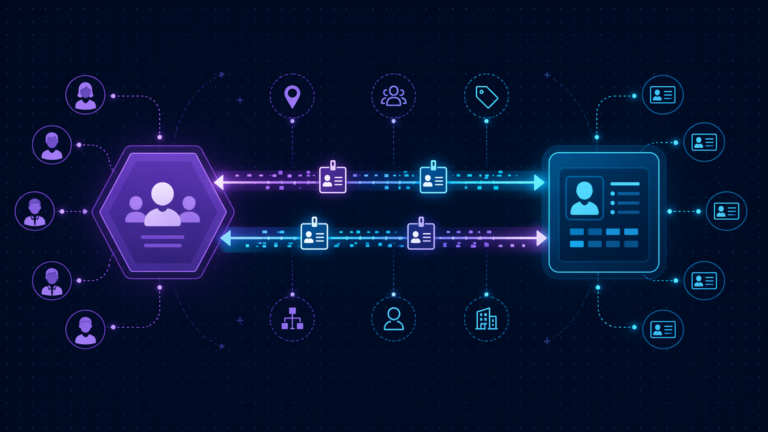
iCIMS Coalesce AI changes that. It’s a unified intelligence layer that sits across the entire iCIMS Talent Cloud, connecting candidate search and match, digital assistants, autonomous agents, and Frontline AI into one cohesive system. Think of it less as a new product and more as a reorganization of how AI works inside the platform you already use.
The important part: core AI features are now included for new iCIMS customers as part of the standard offering. If you’re an existing customer, your access will depend on your contract and licensed modules. Talk to your account rep (or your iCIMS consulting partner) to clarify what’s available to you today.
🔥 The 6 Recruiting Agents Inside iCIMS Coalesce AI
The biggest practical change with Coalesce AI is the introduction of six domain-specific agents. These aren’t chatbots. They’re autonomous workflows that can take real action inside your iCIMS environment, with you controlling how much autonomy each one gets.
Here’s what each agent actually does.
Sourcing Pipeline Agent
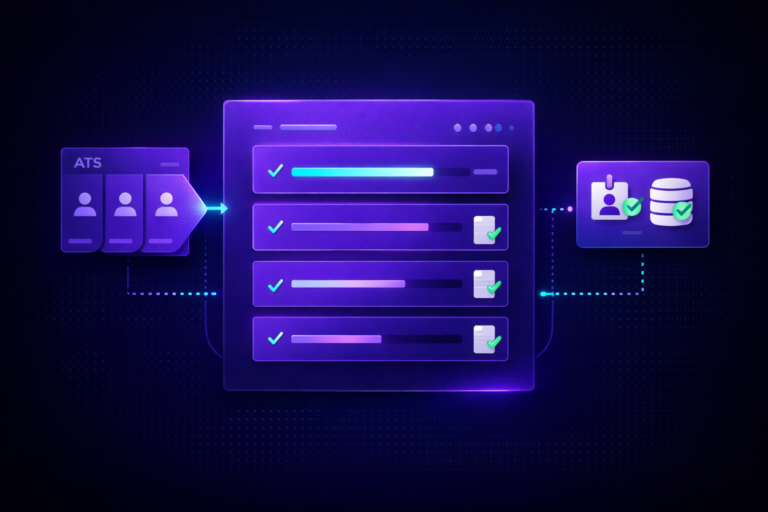
Searches your existing candidate database before you post a job. It identifies profiles that match the role requirements and can automatically reach out to strong-fit candidates to encourage them to apply. This is useful if your team has years of candidates sitting in iCIMS who never get re-engaged.
Frontline Manager Hiring Agent
Built for hiring managers (not recruiters) who manage high-volume frontline roles. It handles candidate communication and can generate offer letters on the manager’s behalf, cutting down the manual back-and-forth that slows frontline hiring. Especially relevant for retail, hospitality, and logistics teams.
Conversational Application Agent
Lets candidates apply for jobs through a conversational interface via web, SMS, or WhatsApp. Instead of filling out a traditional application form, candidates have a guided conversation that collects the same information with less friction. This directly targets mobile-first candidates who abandon long forms.
Candidate Summary Agent
Pulls together information from resumes, assessments, and interview feedback into a single digestible candidate profile. It’s read-only, meaning it synthesizes data for reviewers without taking any action on the candidate’s status. Great for hiring committees and debrief meetings.
Open Job Management Agent
Automates the job creation, approval routing, and posting workflow. It still routes through human review at the right checkpoints, but it handles the administrative steps that slow down getting a requisition live. Useful for teams where req approval takes days because of manual handoffs.
Conversational Analytics Agent
Lets talent acquisition leaders ask questions about their recruiting data in natural language instead of building reports manually. It can also surface proactive recommendations about hiring strategy based on patterns it detects. Think of it as having a TA analyst who never sleeps.
Need Help Evaluating iCIMS Coalesce AI for Your Team?
We’re certified iCIMS consultants who can assess your current configuration and build a rollout plan for the AI features that will actually move the needle.
Book a Free Discovery Call📊 iCIMS Frontline AI: The High-Volume Hiring Piece
Frontline AI is a purpose-built experience layer within iCIMS Hire, designed specifically for companies that fill a high volume of hourly or frontline roles. It combines conversational AI, automated screening, and mobile-first tools into a workflow that’s optimized for speed without sacrificing compliance.
iCIMS reports that customers using this technology have seen measurable results: up to 75% reduction in time to fill, up to 90% reduction in time spent on manual hiring tasks, and up to 10x more hires per recruiter. Those numbers come directly from iCIMS’ own published data.
If your organization hires warehouse workers, retail associates, call center staff, or other high-volume roles, Frontline AI is the component of Coalesce AI most likely to deliver fast ROI. It works within the same iCIMS Hire platform you already use, so there’s no separate system to manage.
🛡️ Responsible AI Governance: What You Can Control
One of the biggest concerns we hear from clients about AI in recruiting is governance. Who’s liable if the AI introduces bias? What happens when NYC Local Law 144 or the EU AI Act applies to your organization?
iCIMS has built its responsible AI program around six pillars, and understanding them matters for how you configure Coalesce AI in practice.
🎯 Which Agents to Enable First: A Prioritization Framework
Not every team should turn on all six agents at once. Based on what we’ve seen working with iCIMS customers across industries, here’s a practical prioritization framework based on your team’s profile.
| Team Profile | Start With | Add Next | Why This Order |
|---|---|---|---|
| Any team (safest start) | Candidate Summary Agent | Conversational Analytics Agent | Both are read-only. They synthesize and surface data without taking action on candidates. Zero compliance risk. |
| High-volume frontline hiring | Conversational Application Agent | Frontline Manager Hiring Agent | Directly reduces application abandonment and manager bottlenecks, the two biggest time-to-fill killers in frontline roles. |
| Corporate recruiting with large ATS database | Sourcing Pipeline Agent | Open Job Management Agent | Re-engages your existing candidate pool (often thousands of untouched profiles) before you spend on external sourcing. |
| TA leadership focused on metrics | Conversational Analytics Agent | Candidate Summary Agent | Gets leadership immediate access to data insights without waiting for report builds. Builds internal AI confidence. |
⚙️ What This Means for Your Existing iCIMS Configuration
If you’re already running iCIMS, Coalesce AI doesn’t require you to rebuild anything. But it does require you to make sure your existing configuration is solid enough to support AI features.
Here’s what we check when clients ask us to prepare their iCIMS instance for Coalesce AI:
Workflow Profiles: Every iCIMS workflow that feeds into an agent needs clean, consistent workflow profiles. If your profiles have duplicate or contradictory rules, the agents will produce inconsistent results. We covered the fundamentals in our post on troubleshooting iCIMS workflow rules.
Data hygiene: The Sourcing Pipeline Agent and Candidate Summary Agent are only as good as the data in your system. If candidate profiles are incomplete, duplicated, or outdated, the AI will surface bad results. We recommend a structured iCIMS system audit before enabling sourcing agents.
Screening questions: If you’re using the Conversational Application Agent, your screening questions need to be structured for conversational delivery. Long, complex multi-part questions don’t translate well to SMS or WhatsApp interactions.
Integration health: Agents that generate offer letters or post jobs rely on your existing integrations working correctly. If your background check integrations or HRIS connections have issues, those problems will cascade into agent workflows.
Reporting baselines: Before enabling the Conversational Analytics Agent, make sure you have baseline metrics established. If your current iCIMS reporting isn’t capturing clean data, the analytics agent will surface unreliable insights.
❓ Frequently Asked Questions
Ready to Roll Out iCIMS Coalesce AI the Right Way?
We help iCIMS customers audit their configuration, establish governance workflows, and prioritize which AI agents to enable first. Let’s talk about your setup.
Schedule Your Free Consultation