Your growth deserves operational structure.
We build centralized operating systems that replace informal coordination with clarity, ownership, and reliable reporting.


HOW THE SYSTEM SUPPORTS YOUR WORK
How work actually flows
A well-architected monday.com workspace defines how work enters, how it is prioritized, and how it moves across teams without relying on memory or constant status meetings. Requests are captured through structured intake, projects are tracked in shared boards and dashboards, and ownership is clear at every stage.
Leaders can see progress and capacity in real time. Teams spend their time executing instead of chasing updates. As the business grows, workflows stay consistent and operational knowledge lives inside your monday workspace instead of inboxes and scattered trackers.
A single system that brings your work together
We design structured operating systems that become the single source of truth for how work flows. Instead of scattered tools and manual tracking, your team works from one shared environment built for visibility, ownership, and scale.
Centralized Work Intake
Capture requests and work consistently so nothing is lost and priorities are clear from the start.
Project & Workflow Management
Plan and execute work in one place with clear ownership, timelines, and visibility at every stage.
Cross-Team Visibility
Give leaders real-time visibility into progress, capacity, and dependencies, without chasing updates.
Scalable System Design
Build workflows that scale with growth, without creating operational sprawl.
What Fragmented Systems Really Cost
Time Lost
Teams spend hours reconciling information instead of executing.
Conflicting data
Different departments report different numbers from different systems.
Decision hesitation
Leadership delays decisions because they do not trust the reporting.
Operational friction
Work slows down at every handoff.
What a Healthy System Feels Like
Connected operations

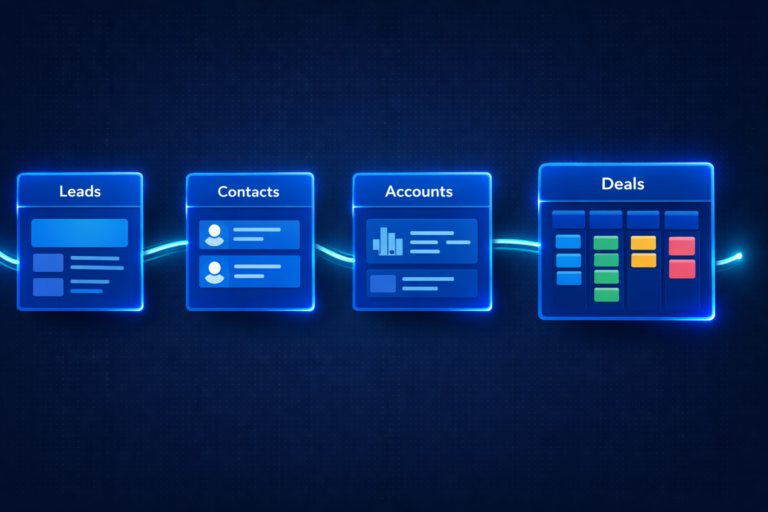
Sales, delivery, finance, and people operations reference the same lifecycle.

Reliable reporting
Everyone sees the same numbers in real time. No reconciliation meetings.
Clear ownership
Each team has their own view, but not their own version of reality.


Less coordination overhead
Fewer status meetings because the system already shows status.
How We Work
Understand
We review your current tools, workflows, reporting expectations, and where coordination is breaking down.
Design
We map how information should move through the business, not just where it should be stored.
Build
We configure monday.com and integrate the surrounding tools where needed.
Adopt
We train your team so the system becomes usable, not just available.
Support
We stay involved as your operations evolve.
Systems people actually end up using
Our goal is not to launch a platform. It is to create an operational environment your team trusts enough to rely on every day.
When this usually becomes necessary
Most teams don’t look for a business operating system because they want a new tool.
They start looking because coordination starts costing more than the work itself.
You rely on people to explain status
Projects are technically tracked, but leadership still asks for updates to feel confident.
Different teams maintain their own version of the truth.
Sales, delivery, and finance each maintain their own trackers to stay safe.

Work enters faster than it gets structured
Requests arrive through forms, Slack, email, and meetings and someone has to manually organize them.
Growth makes reporting harder instead of easier
More activity creates less clarity, not more insight.
If this feels familiar, the issue usually isn’t effort or accountability.
It’s that the organization outgrew informal coordination but never received an operational structure.
Let’s make sense of your operations
This is not a sales demo.
We will walk through how work currently moves through your organization and identify where structure is breaking down.
You’ll leave with a clearer picture of what is happening today and what would need to change to make it reliable.
Whether we work together or not, you should come away understanding your system better than when you arrived.
-
AI | Automation | monday CRM | monday Service | Monday.com
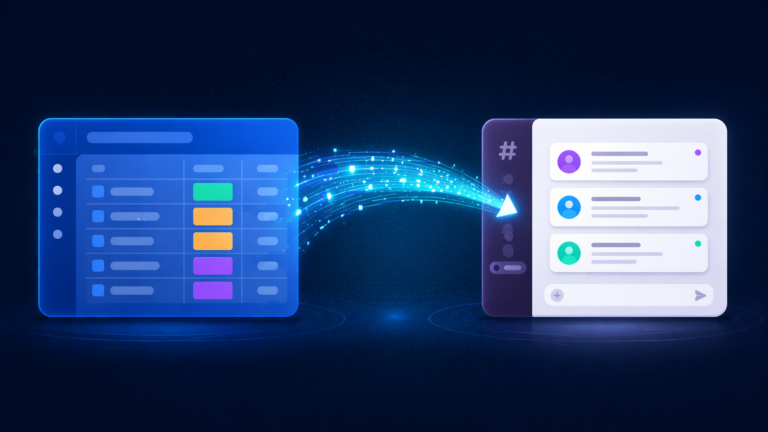
monday.com Slack Integration Setup: A Consultant’s Complete Guide
monday.com Slack Integration Setup: A Consultant’s Complete Guide monday.com Certified Consultants monday.com Slack Integration Setup: A Consultant’s…
-
monday.com HubSpot Integration Setup: A Consultant’s Complete Guide
monday.com Certified Consultants monday.com HubSpot Integration Setup: A Consultant’s Complete Guide Native sync, Make.com workarounds, field mapping…
-
HR Ticketing System on monday Service: Complete Setup Guide for HR Teams
HR Ticketing System on monday Service: Complete Setup Guide monday.com Certified HR Service Delivery Partners HR Ticketing…
-
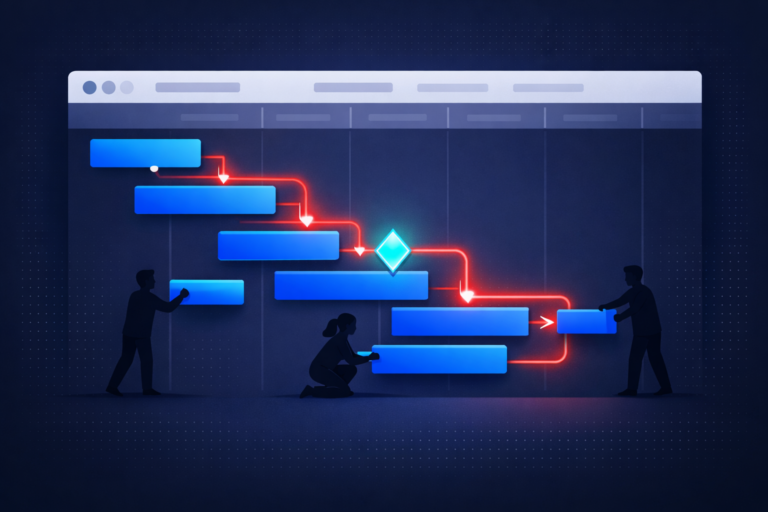
monday.com Gantt Chart Setup: A Consultant’s Complete Guide
monday.com Gantt Chart Setup: A Consultant’s Complete Guide monday.com Certified Consultants monday.com Gantt Chart Setup: A Consultant’s…
-
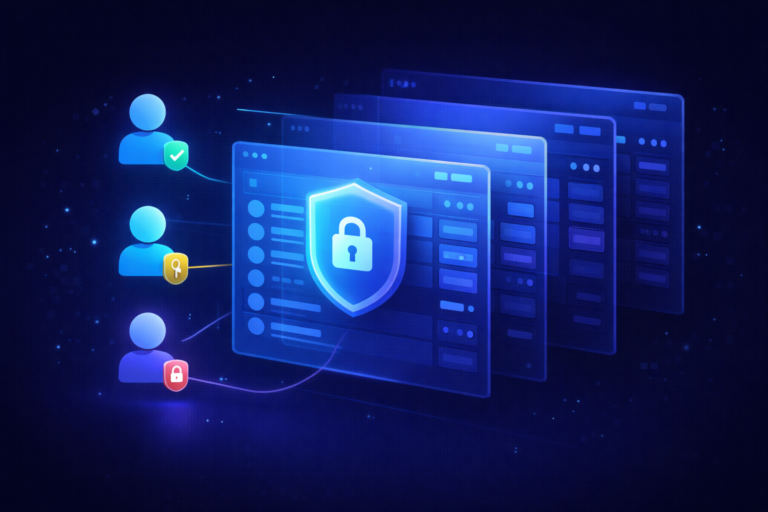
monday.com Board Permissions Setup: A Consultant’s Guide
monday.com Board Permissions Setup: A Consultant’s Guide monday.com Certified Consultants monday.com Board Permissions Setup: A Consultant’s Guide…
-
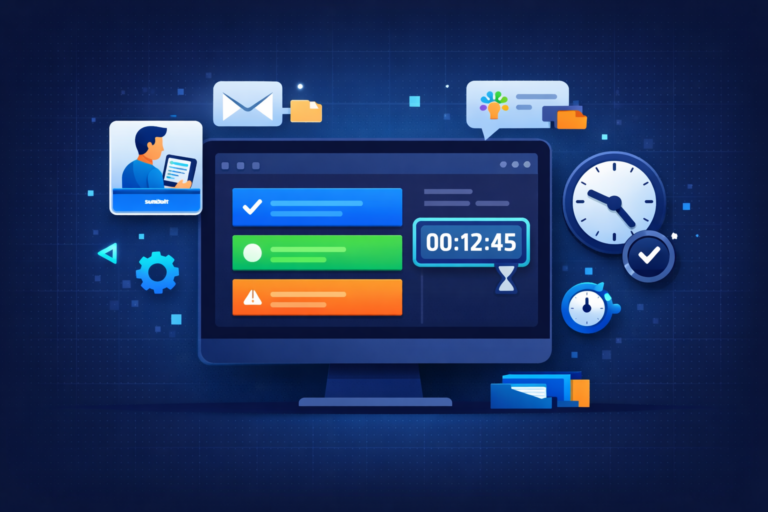
monday.com Time Tracking Setup: A Consultant’s Complete Guide
monday.com Time Tracking Setup: A Consultant’s Complete Guide monday.com Certified Consultants monday.com Time Tracking Setup: A Consultant’s…
-
AI | Automation | Monday.com
monday.com Workload View Setup: Step-by-Step Guide
monday.com Workload View Setup: Step-by-Step Guide monday.com Certified Consultants monday.com Workload View Setup: Step-by-Step Guide Stop guessing…
-
monday.com CRM Setup: A Consultant’s Step-by-Step Guide
monday.com CRM Setup: A Consultant’s Step-by-Step Guide monday.com Certified Consultants monday.com CRM Setup: A Consultant’s Step-by-Step Guide…
-
monday.com Subitems Not Showing in Dashboard: 6 Causes and How to Fix Each One
monday.com Subitems Not Showing in Dashboard: 6 Causes and How to Fix Each One monday.com Certified Consultants…