The Hidden Power of Workflow Rules in ICIMS | ICIMS Consulting Insights
In today’s high-speed hiring landscape, doing more with less is the name of the game. Talent Acquisition (TA) teams are under pressure to fill roles faster, deliver a strong candidate experience, and prove ROI, often with tight budgets and lean technical resources.
This is where ICIMS workflow rules quietly shine. These no-code configurations transform recruiting operations behind the scenes, enforcing process compliance and guiding users without the need for custom code. The result: smoother hiring flows, fewer errors, and happier recruiters.
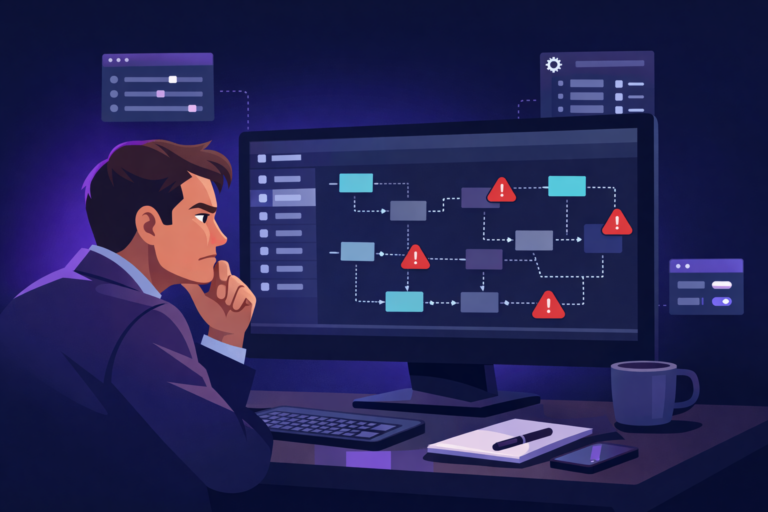
As compliance requirements grow and integration options expand, workflow configuration has never been more important. ICIMS now offers TA leaders and HR technology teams more control than ever, but with that control comes responsibility. Misconfigured rules can frustrate hiring managers or even introduce bias. This article explores how thoughtful admins leverage key workflow rule types, Entrance Criteria, Auto-Launch Actions, and Prompts, to drive consistency and clarity across recruiting.
ICIMS Workflow Rules: Not Automation, but Structured Guidance
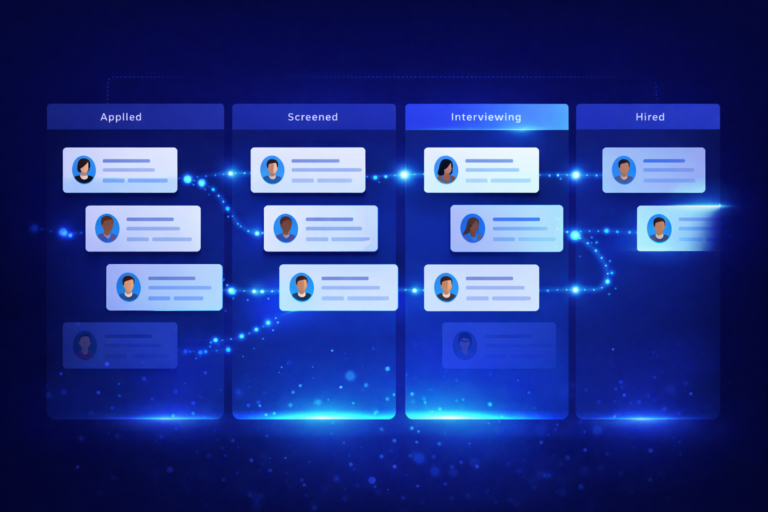
First, a key distinction: ICIMS does not offer true automation—at least not in the sense of performing actions entirely on its own. Instead, the platform provides workflow configuration tools that guide users at the right moments to ensure consistent, compliant recruiting processes. These tools include:
Entrance Criteria
Entrance Criteria define the conditions that must be met before a candidate can move into a specific status. For example, you might require:
- A completed application
- An attached resume
- A prescreen questionnaire
- Required documentation Before advancing someone to “Phone Screen.”
This feature protects process integrity and prevents early or incorrect status changes.
Auto-Launch Actions
Auto-Launch Actions prompt the user to take specific actions when a candidate enters a new status. For example:
- Moving a candidate to “Interview Scheduled” might launch the email template for sending interview details.
These actions don’t perform the task automatically, but they ensure the correct step appears at the right moment—providing structured, repeatable guidance.
Auto-Launch Prompts
Prompts are system-generated messages that appear when a user takes certain actions. These reminders help enforce consistency without creating rigid blocks.
For example, when advancing a candidate to “Offer,” a prompt may remind the recruiter to:
- Verify compensation alignment
- Confirm internal approvals
- Attach the offer documentation
These lightweight nudges help maintain quality and compliance in the workflow.
Real-World Admin Use: Implementation and Maintenance
Successful workflow rule implementation requires holistic thinking. Skilled admins start by mapping the entire recruiting process and identifying points where behavior should be guided or constrained. FlowFam’s ICIMS consulting team runs this mapping exercise before touching a single rule.
A common approach is to use Entrance Criteria to ensure critical steps—such as background checks, questionnaires, or internal approvals—are completed before later stages.
Testing is essential. Admins often build and validate rules in a controlled configuration environment before deploying them to active users.
Ongoing maintenance is equally important. As hiring practices evolve, workflow rules must evolve with them. Quarterly reviews of Entrance Criteria, actions, and prompts help ensure alignment with both policy and candidate experience expectations. Those quarterly reviews are a standard part of FlowFam’s ICIMS managed services.
Recent Enhancements and Responsible Design
Recent ICIMS updates have improved workflow flexibility without changing the fundamental philosophy of user-guided action. Notable enhancements include:
- Batch Interview Scheduling Invites – Send calendar invites to multiple candidates simultaneously.
- Global Person Profile Improvements – Make it easier to understand candidate history across requisitions.
- Candidate Experience Management (CXM) – Provides light nurture tools while keeping user control at the center.
Additionally, ICIMS takes a conservative, compliance-first approach to AI. For example, the GenAI Copilot helps draft job descriptions and communication but doesn’t take autonomous action. It stays firmly in the assistive layer.
Comparisons and Considerations
Compared to platforms like Greenhouse or Workday, ICIMS stands out for its robust admin-level configurability, especially around workflow structure. However, unlike competitors offering event-based automations, webhooks, or full hands-off API-triggered workflows, ICIMS relies on user-guided triggers.
This approach prioritizes reliability and compliance—particularly for organizations in regulated industries. Still, teams seeking true automation (e.g., automatically sending offers or syncing data across systems) may need to extend capabilities through the ICIMS Marketplace or external middleware.
Closing Thoughts
ICIMS workflow rules may not be automation in the traditional sense—but they are powerful.
- Entrance Criteria safeguard compliance.
- Auto-Launch Actions reinforce consistency.
- Prompts guide user behavior at the moments that matter.
Together, these tools create predictable, scalable recruiting operations.
When implemented thoughtfully, workflow rules reduce manual cleanup, improve user experience, and help TA teams operate with clarity and confidence. They are not automated magic, but they are a critical step toward a well-orchestrated talent acquisition engine.
Reach out to us at flowfam.co if you need any help implementing!