ICIMS Workday Integration Setup: A Consultant’s Complete Guide
How to plan, configure, and troubleshoot the integration between your ATS and your HRIS so data actually flows the way it should.
Getting your ICIMS Workday integration setup right the first time can save your team months of manual data entry, duplicate records, and delayed onboarding. But most teams underestimate what this integration actually requires. The vendor documentation covers the “what.” This guide covers the “how” and the “watch out for this” that only comes from doing it repeatedly across different organizations.
We have configured this integration for recruiting teams ranging from 500 to 15,000 employees. The patterns are consistent: the same decisions trip people up, the same fields break the sync, and the same shortcuts create problems six months later. This is everything we wish someone had told us before our first implementation.
📋 What This Guide Covers
🎯 What the ICIMS Workday Integration Actually Does
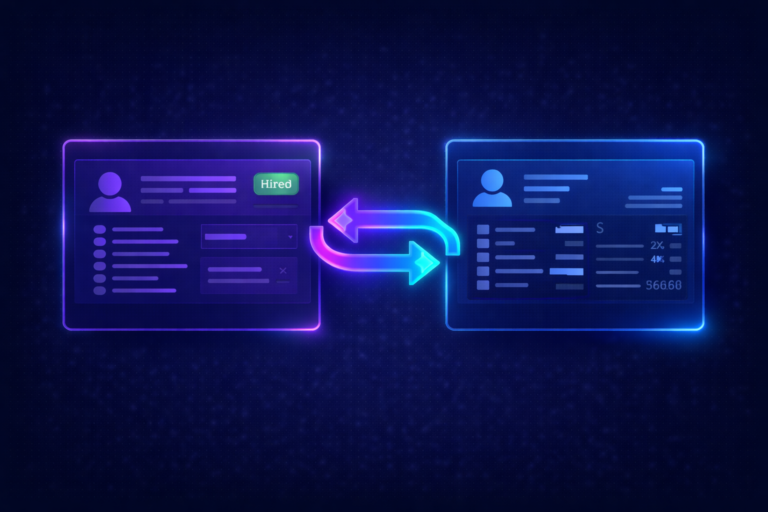
The integration connects your applicant tracking system (ICIMS) to your human resources information system (Workday HCM). Data flows in both directions, but not symmetrically.
Workday sends to ICIMS: employee records, supervisory organization structures, cost centers, job profiles, and (if you use Workday Recruiting for requisition creation) job requisitions. This foundational data feeds into ICIMS so recruiters see accurate org structures and can associate candidates with the right positions.
ICIMS sends to Workday: candidate and hire data. When a candidate reaches a specific workflow status in ICIMS (typically “Offer Accepted” or a custom status you define), the integration pushes that person’s record into Workday to initiate onboarding, payroll setup, and provisioning.
This two-way flow eliminates the most painful manual process in HR operations: re-keying candidate information from one system into another. When it works, a recruiter closes a hire in ICIMS and the new employee record appears in Workday automatically. When it does not work, your HR team is copying and pasting between browser tabs. That is why the setup matters so much.
🔥 Three Integration Approaches (and How to Choose)
There is no single “right” way to connect ICIMS and Workday. The best approach depends on your field complexity, IT resources, and how many other systems are in the mix. Here is how the three options compare.
| Approach | Best For | Timeline | Ongoing Maintenance |
|---|---|---|---|
| Configurable Connector (ICIMS Marketplace) | Teams with standard data requirements and fewer than 10 custom fields | 6 to 8 weeks | Low (managed by ICIMS) |
| Custom API Integration (Workday Studio) | Teams needing real-time sync, complex transformations, or heavy custom field usage | 8 to 14 weeks | Medium to high (requires Workday developer) |
| Middleware / iPaaS (Workato, Boomi, MuleSoft) | Teams routing data through multiple systems or with a centralized integration platform | 8 to 12 weeks | Medium (depends on vendor) |
Which should you pick?
Start with the Configurable Connector unless you have a specific reason not to. It covers about 80% of standard use cases out of the box and is maintained by ICIMS, which means you are not responsible for fixing it when either platform releases an update. The connector is available through the ICIMS Marketplace and supports adding custom fields beyond the standard mapping.
Choose the Custom API route if you need real-time data movement, have more than 15 custom fields, or require conditional logic that the Configurable Connector cannot handle (for example, routing candidates to different Workday tenants based on region).
Choose middleware if your organization already runs an iPaaS platform and your IT team wants all integrations managed in one place. This is common in enterprises with 20 or more connected systems. Just know that adding a middleware layer means one more vendor to manage and one more potential failure point when something breaks.
📋 What You Need Ready Before Setup
The number one reason ICIMS integration projects stall is not a technical blocker. It is that someone did not prepare the prerequisites. Here is everything your team needs before the first configuration session.
Workday Side
A dedicated Integration System User (ISU) with the correct domain security policies. This is not your admin account. Create a service account specifically for this integration. You also need access to a Workday Sandbox or Implementation tenant for testing, and your Workday admin needs to know which supervisory organizations, cost centers, and job profiles should flow into ICIMS.
ICIMS Side
A dedicated API user with appropriate permissions. Your ICIMS Technical Support team can provide the Client ID, Client Secret, and Customer ID credentials required for authentication. You also need to identify which ICIMS workflow status will trigger the hire sync back to Workday.
Both Sides
A completed field mapping document that both your Workday admin and ICIMS admin have reviewed and approved. This is the single most important deliverable before configuration starts. It should list every field that needs to move between systems, the source field name, the target field name, any transformation rules, and whether the field is required or optional.
Need Help Planning Your Integration?
We have done this dozens of times. Let us help you avoid the mistakes that cost teams months.
Book a Free Discovery Call🗂️ Field Mapping: The Part That Takes the Longest
If there is one phase of the ICIMS Workday integration setup that consistently takes longer than expected, it is field mapping. Not because it is technically difficult, but because it requires decisions from people who are busy doing other things.
Standard Fields That Map Automatically
The Configurable Connector includes pre-mapped fields for the most common data points: candidate name, email, phone, job title, department, location, start date, and compensation. These work out of the box with minimal configuration.
Fields That Cause Problems
The trouble starts with fields that exist in one system but not the other, or fields that use different formats. Here are the ones we see break integrations most often.
Candidate address. Workday requires a structured address (street, city, state, zip, country as separate fields). ICIMS often stores this as a single text field or in a format that does not match Workday’s schema. If the address is missing or malformed, the hire sync fails.
Cost center codes. These must match exactly between systems. If Workday uses “CC-4501” and ICIMS stores “4501,” the sync rejects the record. Define the canonical format upfront and enforce it in both systems.
Compensation fields. Salary, bonus, and equity fields need to sync with the correct currency code and pay frequency. A salary of “85000” means nothing without “USD” and “Annual” attached to it. Workday’s compensation module is strict about this.
Custom fields. If your organization tracks data points beyond the standard mapping (like employee referral source, immigration status, or background check vendor), you need to add these fields to the integration during the discovery phase. They will not flow automatically. As noted in the ICIMS community documentation, additional tables and fields beyond the standard list can be added as part of integration design sessions.
🔧 The 5 Most Common Integration Problems (and Fixes)
Even well-planned integrations hit issues. These are the five problems we troubleshoot most often for ICIMS system audit clients, along with the fixes that resolve them.
The candidate reaches the trigger status in ICIMS, but nothing shows up in Workday. In most cases, a required field is empty or formatted incorrectly. Check the candidate’s address, compensation, and cost center fields first. Then review the integration error log (accessible in ICIMS under Admin > Integration Logs) for the specific validation message.
This happens when the integration creates a new worker record instead of matching to an existing one. The root cause is usually a missing or mismatched employee ID. If you hire internal candidates (current employees applying for new roles), make sure the integration includes logic to check for an existing Workday worker record before creating a new one.
Workday creates the requisition, but it never shows up in ICIMS. Check three things: the requisition status in Workday (it must be in an “Open” or approved state), the sync schedule (the Configurable Connector runs on intervals, not in real time), and the supervisory organization mapping (if the org structure in Workday does not map to an ICIMS entity, the requisition gets dropped).
Workday releases updates twice per year. ICIMS also pushes regular updates. Either update can change field names, API behavior, or validation rules. If you are using the Configurable Connector, ICIMS handles compatibility updates. If you built a Custom API integration, your team is responsible for regression testing after every release. Build this into your maintenance calendar.
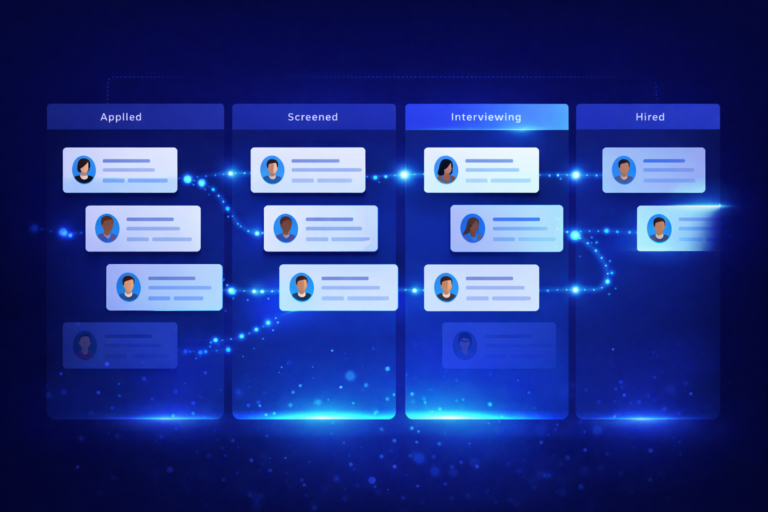
For the hire sync to trigger, candidates must reach the specific workflow status you configured as the trigger point. If candidates are getting stuck in an earlier status (often due to workflow rules not triggering correctly), the integration never fires. Audit your ICIMS workflow to make sure there are no bottlenecks or manual steps blocking candidates from reaching the sync status.
📊 Ongoing Governance After Go-Live
Going live is not the finish line. The integration is a living connection between two systems that both change over time. Here is what ongoing governance should look like.
Quarterly reviews. Schedule a 30-minute meeting each quarter with your Workday admin, ICIMS admin, and a recruiting operations lead. Review error logs, check for new custom field requirements, and confirm that the field mapping document is still accurate.
Monitor error logs weekly. Most integration failures are silent. A candidate record that fails to sync does not send anyone an email (unless you configure it to). Assign someone to check the integration logs at least once per week.
Document everything. When you add a custom field, change a trigger status, or update a transformation rule, update the field mapping document. Six months from now, when something breaks, your team will thank you for having a single source of truth about how the integration is configured. This kind of documentation discipline is something we emphasize in every ICIMS training engagement.
Let Us Handle the Integration Setup
Our certified ICIMS consultants have configured dozens of Workday integrations. We will get it right the first time.
Book a Free Discovery Call